
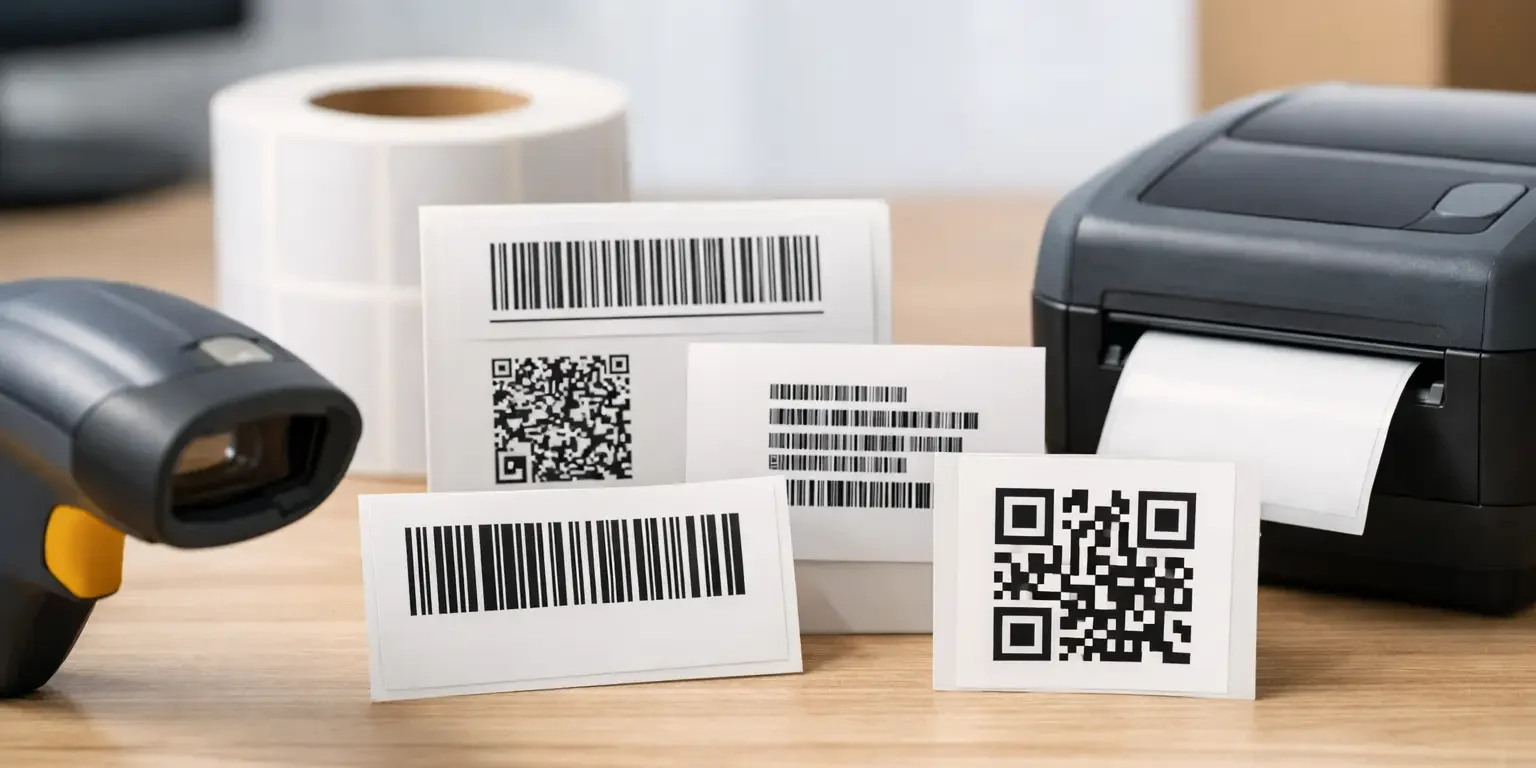
A barcode that will not scan at stocktake, during an audit or when equipment is being issued defeats the purpose of the label. The right format is not simply the one that holds the most data. This guide to barcode label formats explains how to select a symbology, label size and print specification that work with your existing systems and the conditions your assets face.
For most organisations, the aim is straightforward: give every item a unique, readable identity that can be scanned quickly and remain in place for its expected working life. The detail matters because a small barcode on a curved laptop charger needs a different approach from labels for warehouse racking, school IT equipment or machinery exposed to cleaning fluids.
Start with the scanner and asset system
The first decision should be based on the equipment and software already in use. Your asset register, inventory platform or point-of-use scanner may accept several barcode types, but it may be configured around one preferred format. Confirm this before designing labels, particularly where barcode numbers must link to an existing asset record.
A conventional laser scanner will usually read common linear, or 1D, barcodes. Camera-based smartphones and modern area imagers can read both 1D and 2D codes. If staff need to scan labels with phones, a 2D format is often the practical choice. If your team uses older handheld scanners, a linear barcode may be safer unless the hardware has been checked.
It is also worth deciding what the code should contain. In many asset-management applications, a short unique asset number is all that is required. The database holds the description, owner, location, purchase date and maintenance history. Packing too much information into the barcode can make it unnecessarily dense and harder to scan.
The main barcode label formats
Code 128 for general asset identification
Code 128 is one of the most useful formats for asset labels. It can encode letters, numbers and selected symbols in a compact linear barcode, making it suitable for internal asset numbers such as IT-004821 or a serialised equipment reference. It is widely supported by scanners and asset-management systems.
For organisations applying labels to laptops, tools, furniture, medical equipment or audiovisual kit, Code 128 is often the sensible default. It gives good data capacity without requiring a large label, provided the barcode is printed at a suitable size with clear quiet zones around it.
Code 39 for simple legacy systems
Code 39 is a long-established linear symbology used in many industrial and legacy asset systems. It supports capital letters and numbers, but it is less space-efficient than Code 128. A Code 39 barcode containing the same information will normally need more label width to remain easy to scan.
It remains a good choice when your existing scanners or software specify it. There is little value in changing a working estate-wide format merely because another code is more compact. Consistency across labels, scanners and records is normally more valuable.
EAN and UPC for retail products
EAN-13 and UPC barcodes are designed for retail identification rather than internal asset control. An EAN barcode identifies a product type, not an individual item, unless it is combined with another serialisation process. It is therefore useful for products sold through retail channels, but rarely the best format for tracking individual company-owned equipment.
If you need to identify every identical monitor, radio or power tool separately, use a unique asset number encoded in Code 128, Code 39 or a suitable 2D code instead.
QR codes for phone scanning and broader information
QR codes are 2D barcodes that can hold substantially more data in a small area. They are particularly useful where a phone or tablet will be used for scanning, or where the code needs to contain a web address, location reference, equipment details or a longer identifier.
For asset labels, QR codes can make issue-and-return checks easier for staff working without dedicated scanners. They are also useful on inspection labels, where scanning could display safety information or a maintenance record within your own system. However, a QR code should not be chosen solely because it looks modern. If the operational process relies on basic laser scanners, it may not be readable.
Data Matrix for small equipment and dense data
Data Matrix is another 2D format and is especially effective where space is limited. It can encode a useful amount of data in a very small square or rectangular symbol. This makes it a strong option for compact electronics, components, laboratory items and small tools.
It also includes error correction, meaning it may still scan if part of the code is damaged. That does not make material choice irrelevant. A label that has lifted, torn or been heavily scratched is still a poor asset-control solution. It simply gives more tolerance than many linear formats.
Barcode size, contrast and quiet zones
A barcode format only works when it is printed to a readable specification. The narrower bars and spaces of a 1D code, or the individual cells in a 2D code, must be large enough for the scanner and printing method. Reducing a barcode to fit a very small label is a common cause of unreliable scanning.
Linear barcodes also require blank space at either end, known as a quiet zone. This gives the scanner a clear start and finish point. Borders, text, logos or colour blocks placed too close to the barcode can prevent reliable reads. A well-designed label gives the code enough room rather than treating it as an afterthought.
Dark print on a light background generally provides the strongest contrast. Black on white, silver or pale yellow is widely reliable. Some scanner types struggle with red bars, reflective metallic backgrounds or low-contrast colour combinations. If a coloured brand design is required, keep the barcode area high contrast and avoid printing the code directly over a holographic or highly reflective finish unless it has been tested.
Human-readable text beneath the barcode is also advisable. If a label is damaged or a scanner is unavailable, staff can still record the asset number manually. This small addition is useful during audits and reduces disruption when labels are being replaced.
Choose the label material for the environment
Barcode format and label material must be considered together. A perfectly printed code is of limited use if the adhesive fails after a few months. The surface, expected handling and exposure conditions determine which construction is suitable.
For normal office equipment, a durable polyester asset label with a permanent adhesive is often appropriate. It provides good print clarity and resists everyday rubbing better than paper. For tougher environments, consider thicker polyester, overlamination or a protective clear film to guard against abrasion, moisture and cleaning products.
Where removal should be obvious, tamper-evident materials add another layer of control. Void labels leave a visible message or pattern when removed, while destructible vinyl breaks up on attempted removal. These materials can be combined with barcodes and sequential numbers, helping organisations identify both the item and possible interference with its label.
Curved, textured or low-energy plastic surfaces need particular care. A label that adheres well to a flat painted cabinet may not perform the same way on a moulded tool case or heavily textured equipment. Providing details of the application surface at the quoting stage helps prevent costly re-labelling later.
Serial numbers, batch control and label layout
Each asset label should have a clear purpose. Most organisations benefit from a unique sequential number, a barcode containing that number and a short line of visible text such as the company name or “Property of” statement. A visible ownership message can deter casual theft, while the unique number supports reconciliation against the asset register.
For larger estates, sequential numbering should be controlled carefully. Agree the start number, prefix, number of digits and whether leading zeroes are required. For example, FAC-000001 through to FAC-005000 is easier to manage consistently than a mixture of formats created by different departments.
A barcode label can also include department names, equipment categories, logos, QR codes and contact details, but space is finite. On small labels, prioritise scan reliability, asset number visibility and adhesion over decorative elements. The best layout is usually the one that a member of staff can understand and scan without instructions.
Test before committing to a full order
Before ordering a large batch, test a sample on the real asset surface using the scanners staff will actually use. Scan at normal working distances and angles, not only under ideal desk conditions. Check whether protective cases, curved surfaces, poor lighting or labels placed near metal edges affect performance.
This is particularly worthwhile when moving to QR or Data Matrix codes, changing scanner hardware or introducing a tamper-evident material. A short trial can confirm the correct label size, barcode density and adhesive before labels are applied across hundreds or thousands of items.
Security-Label.co.uk can help UK organisations match barcode symbology, serialisation and label material to the job, including bespoke layouts and tamper-evident options produced in Scotland. The right specification should make day-to-day control simpler: labels stay attached, codes scan first time and every asset can be accounted for when it matters.