
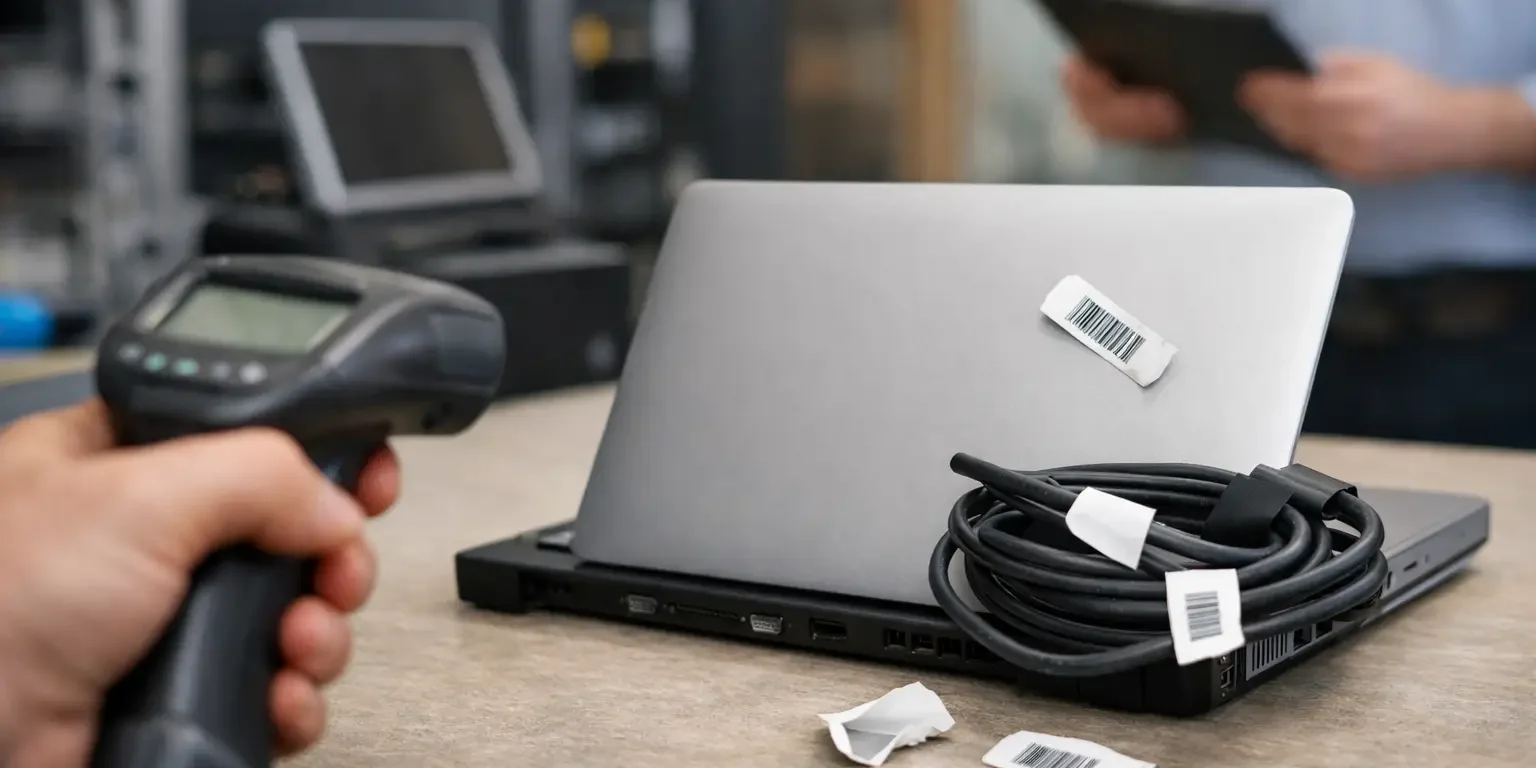
A missing laptop, a failed stock check or an audit trail that stops at a handwritten spreadsheet rarely begins with one major error. More often, it starts with small asset tagging mistakes: a label chosen for price alone, a serial number entered twice, or a barcode placed where scanners cannot read it. Once these weaknesses are repeated across hundreds of items, tracking becomes slow, unreliable and expensive.
Asset labels should make an item easier to identify, recover and manage throughout its working life. The right specification depends on the asset, its environment and the system behind it. The following mistakes are the ones facilities, IT and operations teams most often need to avoid.
1. Choosing a label material without considering the environment
A label that works well on a clean, indoor desktop may fail quickly on a tool case, warehouse trolley or plant equipment. Temperature changes, moisture, cleaning chemicals, abrasion and textured surfaces all affect adhesion and print durability.
Paper labels are usually unsuitable for long-term asset identification. They can tear, absorb moisture and become difficult to scan. For many office assets, durable polyester labels provide a practical balance of cost, print quality and resistance to everyday wear. Assets exposed to harsher conditions may require a more specialist construction, such as a heavier-duty film, protective laminate or tamper-evident material.
The surface matters just as much as the surroundings. Powder-coated metal, rough plastic, rubberised cases and curved equipment do not all accept adhesive in the same way. A small trial on representative equipment can prevent an expensive full run of labels that lift at the corners or detach altogether.
2. Treating every asset label as the same job
Standardisation is useful, but it should not mean using one label type for every item. A fixed desktop PC, a school tablet, a portable power tool and a secure electrical cabinet face different risks. Their labels may need different sizes, adhesives, security features and data layouts.
For example, portable and high-value equipment benefits from labels that are difficult to remove cleanly. Tamper-evident asset labels can leave a visible message or break apart when someone attempts removal, giving a clear indication that the identification has been interfered with. This is a deterrent, not a substitute for physical security or an accurate asset register, but it adds useful accountability.
Conversely, a label that is too aggressive for leased equipment or items expected to be refurbished may create problems at end of life. The right choice depends on whether permanence, removability, evidence of tampering or appearance is the priority.
3. Using vague, duplicated or poorly structured asset data
A label is only as useful as the information printed on it. “IT Department” or “Property of Company” may discourage casual theft, but neither identifies a specific item during an audit. Every asset should have a unique reference that links directly to the record held in the asset management system, spreadsheet or inventory database.
Avoid reusing numbers when equipment is replaced, moved or written off. A duplicated ID can create confusion over ownership, maintenance history and insurance records. A consistent numbering convention makes life easier for the people who scan, update and audit equipment.
Keep the visible information purposeful. In most cases, an asset number, company name and a contact method are enough. A serial number can be valuable where it is required for warranty, police reporting or manufacturer support, but it should not replace your own internal asset ID. The manufacturer serial number may be lengthy, inconsistent in format or difficult to locate when needed.
4. Printing a barcode or QR code without testing it
Barcodes and QR codes are practical tools, but only when they work with the scanners and software already in use. One of the most avoidable asset tagging mistakes is selecting a code format because it looks familiar rather than because it suits the process.
Linear barcodes are often a sensible option where staff use conventional handheld scanners and the label has limited space. QR codes can hold more information and can be scanned with many mobile devices, which may suit teams carrying out checks across multiple sites. Neither is automatically better. The right format depends on what data needs to be captured, which devices will scan it and how the system expects that data to appear.
Code quality also matters. A barcode printed too small, with poor contrast, insufficient clear space around it or a glossy finish that reflects light can cause scan failures. Test sample labels with the actual scanners or mobile devices used by your team. Test them after the labels have been applied to curved, dark or textured surfaces as well, not just while they are flat on a desk.
5. Placing labels where they cannot be seen or scanned
A durable label in the wrong place still creates unnecessary work. If employees must turn over monitors, disconnect equipment or hunt around a machine to find the asset number, routine checks will take longer and records will be less likely to be updated.
Choose a consistent, accessible position for each asset category. On laptops, this may be the underside in a clear, non-vented area. On desktop equipment, it might be a visible side or rear panel. Avoid covering safety information, ventilation slots, compliance marks, ports, service panels or manufacturer serial labels.
Think about the normal use position too. A barcode on the underside of a heavy printer might be protected, but it is inconvenient during a stocktake. In some cases, a second label or a larger code in a more accessible location is justified. This is particularly useful for assets checked regularly or stored in busy environments.
6. Leaving application to chance
Good labels can fail because of poor application. Dust, grease, polish, condensation and cold surfaces reduce adhesion. Staff may also apply labels over seams, moulded ridges or curved edges, where they are more likely to lift.
Before application, clean the surface with an appropriate residue-free cleaner and allow it to dry fully. Apply the label with firm, even pressure, especially around the edges. Where possible, let the adhesive settle before placing the equipment back into heavy use or exposing it to temperature changes.
It is worth giving the person applying labels a simple instruction sheet and a small number of approved placement examples. This may sound basic, but it prevents inconsistent results when several departments are labelling equipment at the same time. It also avoids the familiar problem of asset labels appearing on screens, keyboard keys or other unsuitable areas.
7. Assuming labels alone are an asset management process
Labels support control. They do not create it on their own. An asset can be clearly marked and still go missing if no one records who holds it, where it is based or when it was last checked.
The label ID must connect to a maintained record. When equipment is issued, transferred, repaired, disposed of or returned from home working, update the register promptly. Periodic scanning then becomes a quick verification exercise rather than a lengthy investigation into incomplete records.
Set a realistic review schedule based on risk. High-value, portable IT equipment may need more frequent checks than fixed furniture or low-value equipment. Schools, multi-site organisations and businesses with staff working remotely often benefit from assigning responsibility for each location or department, rather than expecting one central team to resolve every discrepancy.
Make replacement labels part of the process
Labels will occasionally be damaged, removed during repair or lost when equipment is refurbished. Plan for replacement labels from the outset. Keeping a controlled supply of pre-numbered labels, or ordering batches that match your numbering convention, reduces the temptation to use handwritten substitutes.
Record the replacement against the existing asset ID and retain the asset history. If a tamper-evident label has been disturbed unexpectedly, treat that as a reason to check the item and its record, rather than simply covering it with a new label.
The most reliable asset identification schemes are not necessarily the most complicated. They use durable labels, clear data and a process that staff can follow under normal working pressure. Getting those foundations right gives every scan, stock check and recovery effort a far better chance of succeeding.