
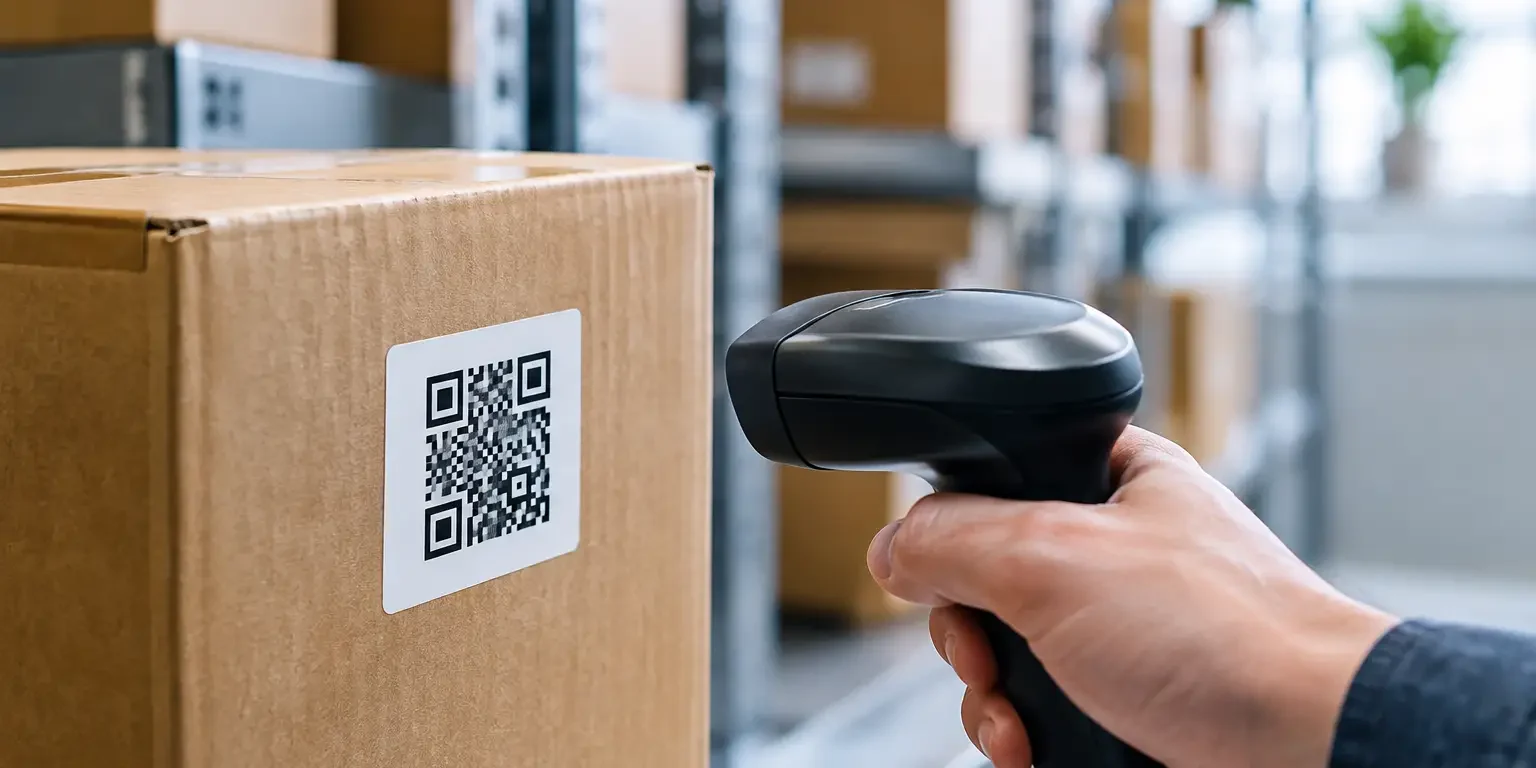
A QR code can turn a label into a useful asset-management tool, but only if it points to the right information and remains readable in service. QR label encoding is the decision process behind that result: choosing what data the code contains, how it is formatted and how the finished label will be scanned by the people who need it.
For a school managing laptops, a facilities team checking plant equipment or an IT department auditing devices, the aim is rarely to put every detail into the QR code. The aim is to identify each item quickly and accurately, then connect the scan to a controlled record. A well-planned code supports faster audits, clearer ownership and better accountability. A poorly planned one can create duplicate records, failed scans and unnecessary security risks.
What QR label encoding actually means
A QR code is a two-dimensional barcode made up of small squares. Its encoding is the method used to convert text, numbers or a web address into the pattern printed on the label. When scanned, a mobile phone or compatible scanner reads that pattern and returns the stored information.
For asset labels, the encoded content normally falls into one of three approaches. The first is a unique asset ID, such as `IT-2026-00418`. The second is a web address that opens the relevant item in an asset register or inspection system. The third is a short set of practical details, perhaps an asset number, department and contact instruction.
The right choice depends on the system behind the label. If staff already use an asset-management platform, a unique identifier or record-specific address is usually the cleanest option. If there is no central system, encoding a short asset reference and a return instruction can still make recovery and verification easier.
Start with the action required after scanning
Before deciding on code size, error correction or label material, decide what should happen when somebody scans the label. This keeps the project focused on operational use rather than simply adding QR codes because they look modern.
A QR label on an IT device may need to open a service record where the user can confirm location, condition and assigned employee. A label on maintenance equipment may bring up an inspection form and the next test date. A security seal may use the QR code to verify a unique serial number before access is authorised.
In each case, the scanner should get a useful result without being given more information than they need. That is particularly relevant where equipment is used in public areas, shared offices or educational settings. Avoid encoding names, telephone numbers, login details or sensitive equipment data directly into the code. Anyone who can scan it may be able to read it.
A simple asset ID is often the most durable option. It gives the organisation a permanent reference that can remain valid even if software, web addresses or internal processes change. The record behind that ID can then be updated without reprinting every label.
Decide between static data and a managed destination
Static QR codes contain information that cannot be changed after printing. An asset number, a short instruction or a fixed web address are all static. They are straightforward, cost-effective and suitable when the information is unlikely to change.
A code that sends users to an online record has more flexibility, but it also creates a dependency. The destination must remain available, access-controlled where appropriate and properly maintained. If a website structure changes or a supplier account lapses, labels can lead to an error page rather than the intended record.
For many organisations, the sensible balance is to encode a permanent unique asset number and use that number within the chosen register, spreadsheet or service platform. Where a direct record link is useful, retain the visible asset number alongside the code. Staff can then identify the item manually if the QR destination is unavailable or a scanner cannot connect to the network.
Keep encoded data short and consistent
More data creates a denser QR code. Denser codes need more print resolution, more physical space and cleaner scanning conditions. This is why a concise, consistently structured identifier is generally better than a long paragraph of information.
For example, `LEEDS-IT-LT-00418` is more useful than a code containing the full equipment description, purchase date, room number, user name and warranty details. The longer information belongs in the asset record, not in every printed symbol.
Set an agreed naming structure before labels are produced. It might include a site code, department or asset category followed by a sequential number. Whatever format is chosen, avoid characters that are easily confused, particularly where the code is also printed in human-readable form. The letter O and number 0, or I and 1, can cause avoidable errors during manual entry.
Consistency matters across the entire estate. A laptop label, a server-room equipment label and a facilities asset label can use different prefixes, but they should follow the same basic rules for uniqueness and record keeping.
QR label encoding and error correction
QR codes include built-in error correction, which allows a scanner to read the code even when part of it is damaged, dirty or obscured. This is useful for labels exposed to day-to-day wear, but higher error correction is not automatically better.
There are four common levels: L, M, Q and H. Higher levels can recover more damaged data, but they also make the QR pattern denser for the same amount of information. That can reduce practical scan performance if the label is small or the print surface is challenging.
For clean indoor asset labels, a moderate level is often appropriate. For equipment used in workshops, warehouses or outdoor locations, a higher level may be justified, particularly where scuffs, dust or partial abrasion are expected. The material and adhesive choice remain just as important. Error correction can help with small areas of damage, but it cannot compensate for a label that has lifted, faded or been deliberately removed.
Design the printed label around real scanning conditions
A QR code should have strong contrast, clear edges and sufficient empty space around it. That border is known as the quiet zone. Without it, scanners may struggle to distinguish the code from nearby text, borders or graphics.
Black printing on a white or light background is the most dependable arrangement. Dark codes on a pale, non-reflective surface also work well. Metallic finishes, heavy gloss, busy backgrounds and low-contrast colours can look attractive but may make scanning less reliable, especially under poor lighting or when a device camera is at an angle.
Size also needs practical judgement. A code for a compact IT label may need to be small, but it should still be large enough for the amount of data encoded and the likely scanning distance. A code scanned close up with a mobile phone can be smaller than one scanned from arm’s length on plant machinery. Printing a sample and testing it in the actual location is preferable to relying on screen previews.
The QR code should not be the only usable identifier. Include a clear asset number in text, and where relevant add a conventional barcode for organisations using dedicated laser scanners. QR codes are flexible and familiar to phone users, while linear barcodes may remain faster within an established warehouse or asset-control process.
Match the label material to the asset and environment
Encoding is only one part of a reliable solution. The label must stay in place and remain legible for its intended life. A standard permanent asset label may suit desks, monitors and laptops kept indoors. Tougher polyester materials are often better for equipment subject to handling, cleaning or temperature changes.
For security-critical applications, tamper-evident materials add another layer of control. A destructible label can break apart when removal is attempted, while a void label leaves a visible message on the surface or label face. In these cases, the QR code and serial number can help verify that the label belongs to that specific item, but the design should make replacement or copying more difficult.
Surface preparation is easily overlooked. Dust, oil, textured coatings and curved surfaces all affect adhesion. Choose a label size and adhesive suitable for the equipment rather than treating every asset as the same. A specialist supplier can advise on the trade-off between a compact label, code readability, material durability and tamper evidence before production begins.
Test the full process, not just the code
A QR code can scan perfectly at the printer and still fail as part of an asset-management process. Test representative labels using the phones and scanners your staff actually use. Check that the right record opens, the user has the correct permissions and the visible text is readable when the code cannot be scanned.
It is also worth testing after normal handling: wiping, transport, repeated scanning and exposure to the conditions the asset will face. For a larger order, approve a proof or small batch first. This is especially valuable where labels include variable serial numbers, bespoke QR destinations or tamper-evident stock.
Keep a controlled file of the encoded data and corresponding serial numbers. That file should match the asset register from the start. If labels are issued in batches, record which serial range went to each department, site or installation team. This makes later audits and investigations far easier.
A practical specification for ordering
When requesting QR labels, provide the asset ID format or data file, the intended scan action, the quantity, label dimensions and where the labels will be applied. Also state whether the asset is used indoors, outdoors, in a workshop or in a public-facing environment.
Specify whether you need sequential numbering, a visible barcode, company branding, a return message or tamper evidence. Security-Label.co.uk can produce bespoke UK-made labels with QR codes, serial numbers and suitable security materials, helping buyers avoid the common mistake of choosing a design before defining how it will be used.
The best QR label is not the one containing the most data. It is the one that stays attached, scans first time and gives the right person the right next step when it matters.