
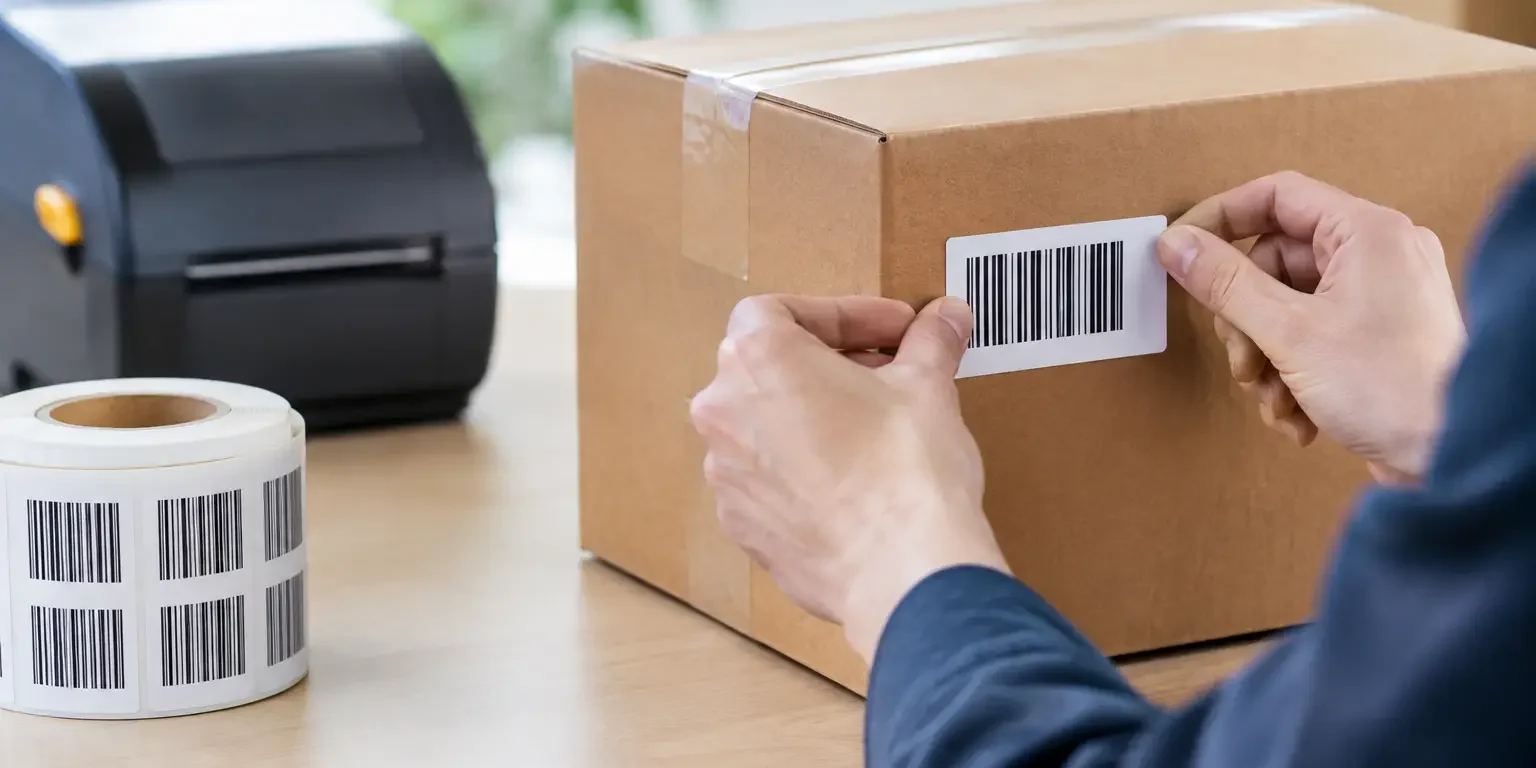
A barcode can be perfectly printed and still fail when it is needed most. If the label sits beneath a desk, wraps around a curved cable, is hidden by a protective case or wears away at a frequently handled point, scanning becomes slow and asset records become unreliable. This guide to barcode placement sets out how to choose a position that supports fast scanning, label life and accurate identification.
For most organisations, the right location is not simply the first clear area on an item. It must work for the people who scan it, the equipment they use and the conditions the asset faces throughout its working life.
Start with the scanning task
Before deciding where a barcode should go, consider when and how it will be scanned. A laptop checked during an annual audit has different requirements from a tool scanned at issue and return several times each day. Likewise, stock moving through a stores area may be scanned from a fixed position, while a facilities team may use a handheld scanner around an entire building.
The best placement is usually visible without moving, lifting or disconnecting the asset. It should allow the operator to present a scanner squarely to the code rather than having to twist the equipment or scan at an awkward angle. A label positioned on the underside of a monitor stand may look tidy, but it creates unnecessary work during stocktakes. A visible side or rear panel is often more practical.
Think about the normal orientation of the item. Equipment stored on shelving should have its barcode facing the aisle. Devices kept in charging cabinets should have the label visible while the device is docked, if possible. Assets carried by staff need a position that remains accessible when the item is in use, without obstructing controls, vents, safety notices or ports.
A guide to barcode placement on common assets
There is no single correct position for every item, but practical conventions make audits quicker and easier to manage. Consistency matters almost as much as the individual location. If every organisation-owned laptop carries its label in the same place, staff know where to look and scanning becomes routine.
IT equipment and office devices
For laptops, place the barcode on a flat, protected area of the underside or rear chassis, clear of regulatory markings, ventilation grilles and removable access panels. Avoid feet, hinges and edges, where friction is greatest. If the device is usually kept in a docking station, check that the label can still be scanned without removal.
Desktop PCs, monitors, printers and network equipment generally offer a suitable flat rear or side panel. Choose the side that faces an accessible aisle or working area. On rack-mounted equipment, a front-facing barcode is normally preferable for routine checks, provided it does not cover status indicators, serial plates or ventilation.
For mobile phones and tablets, label space is limited and cases may be replaced. A compact asset label on the rear of the device can work well, but only if it does not interfere with wireless charging, camera lenses or manufacturer information. Where cases are regularly changed, applying the label to the device rather than the case protects continuity of identification.
Tools, plant and maintenance equipment
Tools are exposed to handling, dirt, vibration and impact. Position the label on a smooth, recessed or less exposed section of the housing, away from grips, trigger areas, moving parts and areas likely to become hot. On larger plant, use a panel that can be reached safely during inspection rather than placing the code behind guards or below the machine.
Curved handles and narrow tubes are poor choices for conventional barcode labels because the code may distort around the curve. A smaller label, a different location or a more suitable barcode format may be needed. If the asset is used outdoors, material choice and over-lamination become just as important as placement.
Furniture, fixtures and shared equipment
Chairs, desks and cabinets are often labelled underneath to preserve appearance, but this can make inventory checks unnecessarily slow. A discreet inner edge, rear frame or accessible side panel is normally a better compromise. For equipment such as projectors, radios, medical training aids or cleaning machinery, select a place that remains visible when the item is stored in its usual location.
Keep the barcode clear of physical and visual interference
A scanner needs a clean, complete view of the code. Placement should protect the printed bars or modules from abrasion, moisture, chemicals and direct contact with hands where possible. It also needs to prevent visual interference caused by seams, rivets, textured moulding, screws or sharp changes in surface level.
Do not apply a barcode over a join in the casing, a curved corner or an uneven surface. Even if it scans when first applied, lifting edges and creasing can quickly make it unreadable. Avoid areas exposed to repeated wiping, such as the front edge of a device or a control panel, unless the label material is specified for that cleaning regime.
Light reflections can also affect scanning, particularly with glossy surfaces and phone-based scanning. A matt finish may be the better choice where assets are scanned under bright warehouse lighting or outdoors. Conversely, a protective clear laminate can be valuable where dirt, oils or cleaning fluids are a greater concern. The right answer depends on the environment and the scanning method.
Respect barcode orientation, size and quiet zones
Barcode placement is not only about the label’s position on an asset. The barcode itself needs enough clear space to be read reliably. The blank area around a linear barcode is known as the quiet zone. If text, borders, logos or other graphic elements crowd this space, the scanner may struggle to distinguish where the code begins and ends.
For linear codes such as Code 128, orient the bars so that a handheld scanner can cross them in a natural motion. On a long, narrow label, horizontal bars may be suitable. On a narrow asset where label height is available, a ladder-style orientation may be more practical. Test the proposed layout with the scanners used on site rather than relying on appearance alone.
Small labels create a trade-off. Reducing the code too far can make it difficult to scan, especially if the label will be printed at a lower resolution or used in dusty conditions. A two-dimensional code, such as a QR code or Data Matrix, can carry information in a smaller area, but it still requires adequate print quality and contrast. It should not be treated as a cure for poor placement.
Consider label material before finalising the location
The surface and environment determine whether a barcode label stays in place long enough to do its job. Smooth painted metal, powder-coated surfaces, plastics, textured housings and wood all behave differently. Dust, oil, cold or moisture at the point of application can affect adhesion from the start.
For general office assets, a durable polyester label is often suitable. For equipment at risk of unauthorised removal, a tamper-evident material can show a visible pattern or message when removal is attempted. This is useful for loss prevention, but it must be placed on a surface where the tamper evidence can be seen and where the label cannot be easily covered or replaced unnoticed.
Tamper-evident labels are not always the right choice. On assets that are legitimately refurbished, redeployed or repaired regularly, a permanent residue or destructible label may complicate maintenance. In those cases, a durable non-transfer label alongside a properly maintained asset register may be the more practical option.
Plan for people, not just equipment
A barcode label only improves control if staff can use it without frustration. Walk through the real process: receiving an asset, applying the label, assigning it to a user or location, completing checks and reporting an item as disposed of. Each stage should be possible without hunting for the barcode or turning the item over repeatedly.
Set a simple internal placement rule for each asset category. For example, all laptops may be labelled on the lower rear underside, all monitors on the rear right-hand side and all power tools on the left side of the main housing. Record these standards in the asset procedure so that new staff, contractors and different sites follow the same approach.
It is also sensible to keep the barcode separate from any label that may be removed during servicing. PAT testing labels, inspection stickers and maintenance notices have their own replacement cycles. If they cover or sit too close to the asset barcode, identification can be lost at the worst possible time.
Test a sample before committing to a full order
The most cost-effective way to avoid placement problems is to test representative labels on representative assets. Apply samples to clean surfaces, allow the adhesive to settle, then scan them using the devices your team actually uses. Check them from normal working positions, not just on a desk under ideal lighting.
Review the label after handling, cleaning and a short period of normal use. Look for lifting corners, scratches, fading and reduced scan performance. If a barcode is paired with a serial number or company name, make sure the human-readable information remains legible too. Security-Label.co.uk can advise on label materials, barcode formats and layouts where equipment, scanning methods or environmental conditions create particular challenges.
Good barcode placement removes friction from every audit, handover and stock check. Put the code where people can reach it, protect it from the conditions it will face and apply the same rule across comparable assets. That small amount of planning pays back each time an item is scanned first time.