
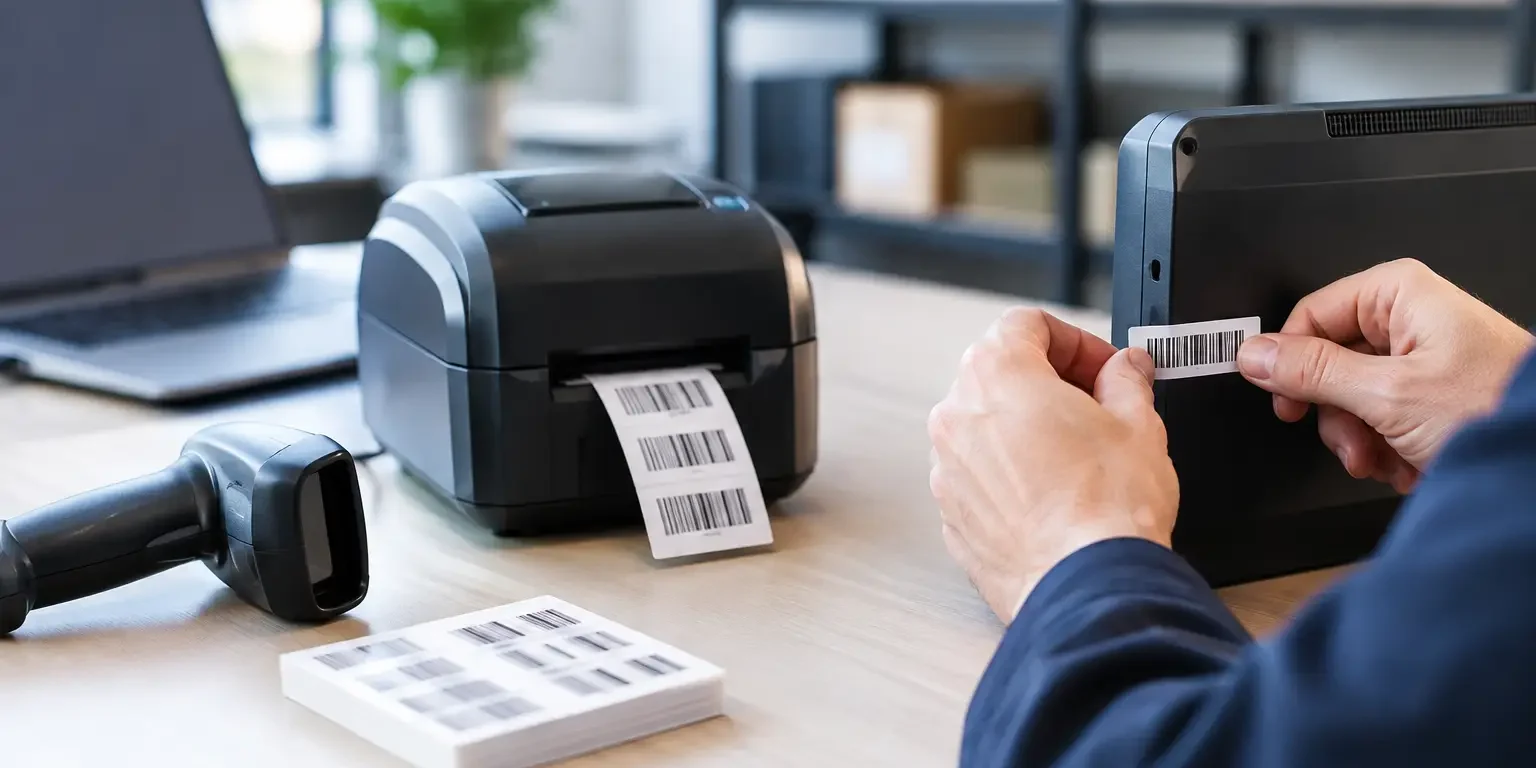
A laptop disappears between classrooms, a power tool is returned without a record, or an auditor asks who last held a piece of equipment. These are usually not failures of the asset register alone. They are failures of identification. This label serialisation guide explains how to give every physical asset a clear, durable identity that staff can record, scan and check.
Serialised labels are used across offices, schools, warehouses, healthcare settings and public sector estates because they create accountability at the point where it matters: on the item itself. The right system makes stock checks quicker, supports insurance and audit requirements, and provides a visible deterrent to opportunistic theft.
What label serialisation means
Label serialisation is the process of assigning a unique number, code or reference to each individual item, then printing that reference on a label. Unlike a product name or department code, the serial number must identify one specific asset and no other.
For example, ten identical monitors may all carry the same model number, but each should have its own asset ID, such as IT-MON-000241 through to IT-MON-000250. When one monitor is moved, repaired or written off, your team can update the correct record without guessing.
A serialised label can carry more than a printed number. It may include your company name or logo, an asset description, a barcode, a QR code, contact details and a warning that the item is security marked. The information should serve a practical purpose. Crowding a small label with data that no one uses makes it harder to scan and read.
Building a label serialisation system that works
A good serialisation scheme is simple enough for everyday use and structured enough to grow with your organisation. The key is consistency. If two teams create numbers in different formats, records soon become difficult to search and duplicate numbers become more likely.
Choose one identifier per asset
The main rule is straightforward: one asset, one unique ID. This applies even where assets are the same make, bought on the same purchase order and kept in the same room.
Decide whether the label number will be the primary reference in your asset register or whether it will sit alongside another system-generated number. Either approach can work. What matters is that the label and database use the exact same reference, including any letters, leading zeroes and hyphens.
For lower-value consumable stock, individual serialisation may not be worthwhile. A batch number can be more appropriate for items such as cable packs, cleaning supplies or promotional goods. Serialise items individually where loss, maintenance history, ownership or compliance needs to be recorded.
Keep the format readable
A useful asset ID is typically short, unique and easy to transcribe. A format such as AST-001245 is often more practical than a long sequence of mixed characters. Prefixes can help identify a business unit or asset category, but avoid adding so many codes that staff cannot recognise the number quickly.
If you include a year in the serial number, consider the long-term effect. A label marked IT-2026-001 may be clear at purchase, but an asset can remain in service for many years. Year-based numbering is useful for reporting, but it should not force you to restart numbering or create duplicate references.
Avoid characters that are easily confused, particularly O and 0, I and 1, or S and 5. This matters whenever someone may need to enter an ID manually from a damaged or dirty label.
Match serial numbers with the right barcode
A visible serial number gives people a way to identify an asset without equipment. A barcode adds speed and reduces keying errors during stocktakes, issue and return, maintenance checks and audits.
For straightforward asset numbers, Code 128 is a common choice because it can hold letters, numbers and punctuation in a compact format. Code 39 is also widely used, especially with older scanning systems, although it takes up more space for the same data. The correct choice depends on what your existing software and scanners accept, not simply on what looks most familiar.
QR codes are useful where you need to hold more information or direct staff to an internal asset record, instruction page or reporting process. They are easy to scan with many mobile devices, but they should not replace a clear human-readable serial number. A phone may not be available, a QR code may be damaged, or a visitor may need to read the label without system access.
Before ordering, test the exact data format with your asset management software. The scanner should return precisely what is printed in the register. A missing prefix or an unexpected space can prevent a successful lookup.
Select label materials for the asset and environment
Serialisation only works while the label remains attached and legible. Material choice should reflect where the equipment is used, how often it is handled, and whether removal needs to be evident.
For indoor office equipment, a durable polyester asset label is often a practical option. It offers a professional finish and good resistance to normal wear. For equipment exposed to damp, heat, cleaning products or outdoor conditions, discuss the operating environment before specifying a material. Adhesive performance can vary considerably between painted metal, textured plastic, powder-coated surfaces and low-energy plastics.
Tamper-evident labels add another layer of protection. When removed, they can leave a visible VOID message or fragment, making it clear that a label has been interfered with. This is particularly useful for IT equipment, tools, high-value portable devices and sealed enclosures.
There is a trade-off. Tamper-evident materials are designed to show removal, so they are not suitable where labels need to be transferred between assets. If your assets are frequently refurbished or reallocated, a standard durable label may be the better operational choice.
Put the labels in the right place
A perfectly printed serialised label is of limited value if staff cannot find or scan it. Use a consistent placement rule for each asset type. For example, labels may sit on the rear lower corner of monitors, the underside of laptops, or a protected flat panel on larger machinery.
Avoid vents, curved edges, rubber feet, safety instructions, ports and areas subject to constant abrasion. On hand-held tools, choose a surface that remains visible in normal use but is less likely to be rubbed by hands or storage racks.
Clean and dry the surface before application. Dust, oil, polish and moisture can weaken adhesion. Once applied, allow the adhesive to settle before putting the item through heavy use or exposure to harsh conditions.
A practical serialisation workflow
The most reliable approach is to prepare the data before labels arrive. This prevents duplicate IDs, unrecorded items and labels being applied to the wrong equipment. A straightforward workflow is:
- Create the unique serial numbers in your asset register or approved spreadsheet.
- Check for duplicates, skipped formats and characters that may cause scanning errors.
- Supply the final sequence and label layout for print, including barcode or QR code requirements.
- Apply labels while recording the asset description, location, custodian and purchase details.
- Scan a sample from each batch to confirm the printed code returns the correct asset record.
For larger roll-outs, label equipment by room, department or delivery batch rather than trying to process every item at once. This makes discrepancies easier to isolate and reduces disruption to staff.
Common label serialisation mistakes
The most common mistake is ordering labels before agreeing the numbering format. Changing a prefix after several hundred labels have been applied creates unnecessary administration and weakens confidence in the register.
Another is using a barcode with no readable number beneath it. Barcodes are efficient, but staff still need a visible reference when a scanner is unavailable. Similarly, very small codes may technically print but fail when scanned at an angle or after normal wear.
Do not assume that all labels will adhere to all surfaces. A low-cost label that lifts within weeks costs more to replace than choosing a suitable material at the outset. Where the application is unusual, provide details of the surface, conditions and any tamper-evidence requirement so the label can be specified properly.
Finally, serialisation is not a one-off exercise. New assets need labels before they enter use, retired assets need to be marked or removed from the register, and damaged labels need replacing with the same reference. Clear responsibility for these tasks keeps the system dependable.
Information to prepare before ordering
A specialist manufacturer can produce labels from a consecutive number range or a supplied data file. To obtain the right result first time, prepare the required quantity, label dimensions, material, artwork, serial number range, barcode type and any variable information such as department names or equipment categories.
If you are not certain about the barcode format or material, explain how the assets are used and what system will scan them. Security-Label.co.uk can advise on practical combinations of serial numbers, barcode formats and tamper-evident materials for UK organisations.
The best serialised label is not necessarily the most complex one. It is the one that stays attached, scans first time and gives your team a reliable answer when they need to know exactly what an item is and where it belongs.